
✦Summary
A product commercial has to do a lot in very little time: stop the scroll, show the product, build desire and leave the brand in memory. The road from idea to final frame runs through clear stages: brief, concept, script, storyboard, production and post-production. AI tools change some of those stages, especially visualization and versioning, but not the logic of the process. This article walks through each stage and what matters in it.
A small beverage brand is ready to launch a new flavor. There is a paid media budget, an active Instagram account and a clear request from marketing: "we need a video". But once the conversation starts, everyone pictures something different. One person wants a cinematic spot with splashes and dramatic light, another wants real people on a beach, and the CEO wants all four flavors on screen. Without a structured process, the project stalls before a single frame is shot.
Product commercial production works when those decisions are made in the right order. Karnaf Studio has been producing commercials, brand films and animation for many years, and we bring AI tools into the stages where they genuinely add value. Here is the path from script to final frame.
Stage 1: The brief: one message, one action
Before any creative idea, answer a few questions:
- What is the goal? Launch, awareness, direct sales or brand building.
- Who is the audience? And what should they feel or do after watching?
- What is the single message? A commercial that tries to say five things says none.
- Where will it run? Social, YouTube, website, TV, in-store screens.
- How long? And how many versions?
The answers shape almost everything else. A social feed spot must earn attention in the first seconds and work without sound, while a TV spot is built around pace, voice-over and music.
Stage 2: Concept: the big idea
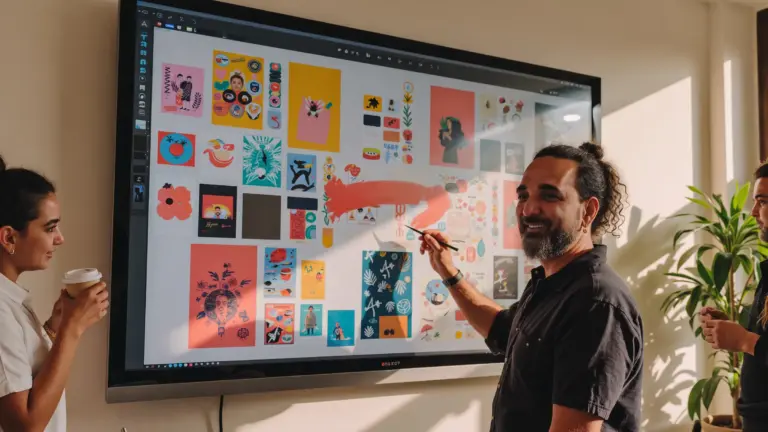
The concept is the idea that holds the film together: a situation, a metaphor, a short story or a demonstration. We usually present two or three directions, each in one sentence with a few mood images.
AI is especially useful here. Each direction can be visualized in a handful of representative frames, so the client sees mood, color and lighting rather than reading a description. The decision itself is still about brand and audience, not technology.
Stage 3: Script: picture and sound
A commercial script is typically written in two columns: what we see and what we hear. Each row is a shot or a beat. Check:
- The opening: what stops the viewer in the first seconds?
- The product: when does it first appear, and how long is it on screen?
- The message: is it clear without voice-over?
- The ending: the packshot, logo and call to action.
A language model can suggest phrasing variations or test pacing, but the script is written and edited by someone who knows the brand and the audience.
Stage 4: Storyboard and animatic
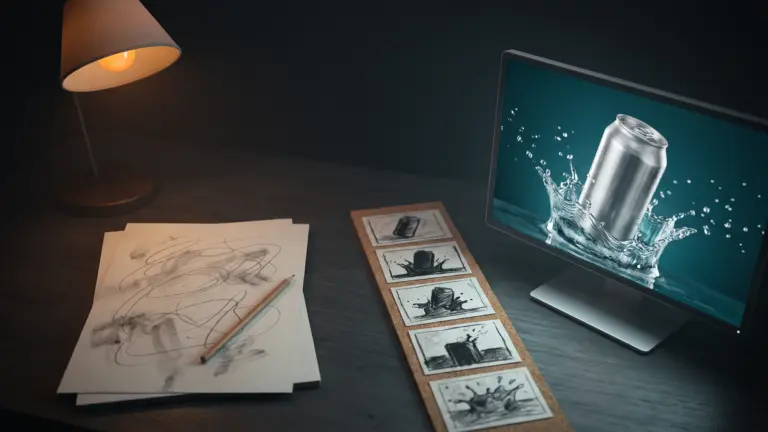
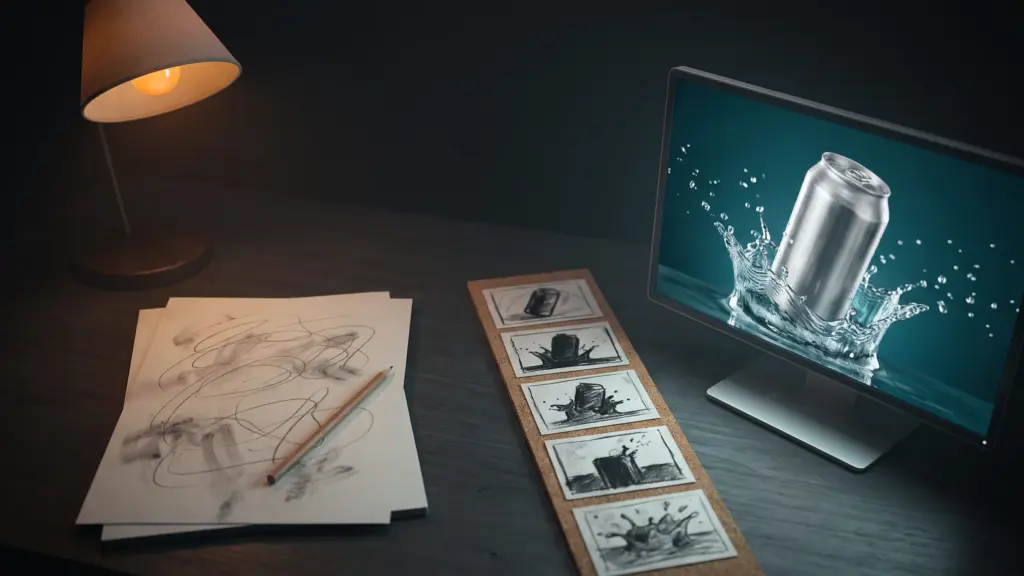
The storyboard turns the script into a sequence of frames. The animatic goes further: frames cut to time with temp music and a rough voice-over. This is where you see whether the film works before spending on production.
AI has shortened this stage dramatically. Instead of rough sketches, you can show frames close to the final look. That helps clients decide, but it carries a risk: an over-polished storyboard can set expectations that production then has to meet. We clearly label what is a visualization and what is final output.
Stage 5: Production: live action, 3D, AI or a mix
Choose the right tool for each shot:
| Shot type | Best tool |
|---|---|
| People, hands, moments of use | Live-action filming |
| The product itself, fully accurate | Studio filming or an accurate 3D model |
| Splashes, liquids, particles | High-speed filming, 3D simulation or AI |
| Environments, mood, brand world | AI generation or location filming |
| Transitions and graphics | Animation and motion graphics |
A key rule: the product, label and logo are never "drawn" by a generative model. They come from footage of the real product, an accurate 3D model or source files, and are composited in. Video models still struggle to keep logos and text consistent across a shot.
Before shoot day, prepare hero products (no scratches, perfect labels), enough units for repeated takes, and pre-approved props.
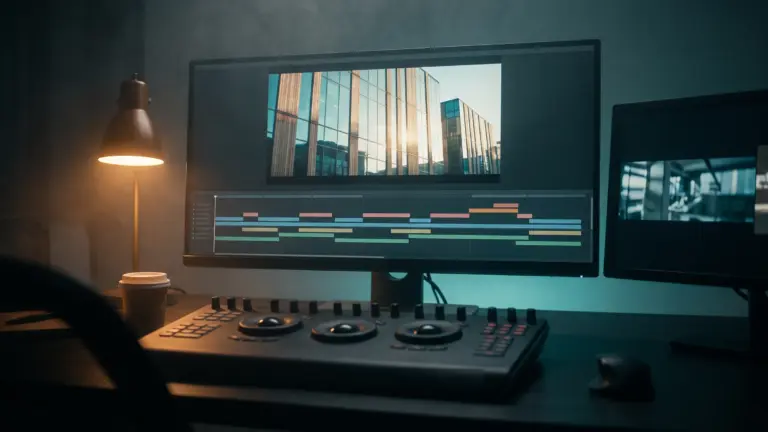
Stage 6: Post-production
This is where the commercial is really built:
- Edit: pace, order and timing to the music.
- Color: consistency between filmed, AI-generated and 3D shots, with accurate brand colors.
- Sound: properly licensed music, sound design and voice-over.
- Graphics: captions, on-screen text and an end packshot with the logo from source files.
Stage 7: Versions for every channel
One commercial is usually a family of cuts: a full version, shorter edits, vertical crops for Stories and Shorts, square crops for the feed, and a captioned version for sound-off viewing. Plan this at the shoot and leave room in the frame for different crops. If the spot is headed for TV, check the broadcaster's technical specifications and ad approval process early.
Common mistakes
- Starting with the technology: "let's do an AI video" instead of "let's say something". Concept comes before tools.
- The product appears too late: especially on social, where many viewers drop off early.
- Too many messages: every flavor, every benefit, every promotion.
- An "almost right" logo: generated by a model and nearly correct.
- Forgetting sound-off: a spot that makes no sense without voice-over.
Pros and limitations of adding AI
Pros: early visualization of concepts and storyboards; environments and shots that are hard or costly to film; faster production of channel versions.
Limitations: consistency of product, characters and logo across shots is still challenging; real people and emotional moments look better filmed; music, voices and every asset need clear licensing.
FAQ
What is the right length for a product commercial? It depends on channel and goal. Social favors short cuts; TV length is set by the media buy. Most productions create a full version plus shorter derivatives.
Can a commercial be made with no filming at all? Yes, with 3D, animation and AI. It suits products not yet manufactured or a stylized visual approach. When the message relies on people and credibility, include live action.
How long does it take? It depends on scope and complexity. AI mainly shortens visualization and versioning; brief, script and edit still need their time.
In summary
A strong product commercial starts with a focused brief and ends with a final frame where the product is accurate and the brand is clear. AI changes the route, especially in visualization, environments and versions, but not the need for one message, a strong script and professional editing. Karnaf Studio, active since 2003, combines long experience in commercials and brand films with AI tools, choosing the right tool for every shot.
Want a commercial that shows your product at its best? Watch our video gallery or talk to us.
Note: the opening scenario and image are illustrative and do not describe a client project.
Let’s talk about your brand
Tell us about your project and we’ll get back to you.
Contact Karnaf Studio